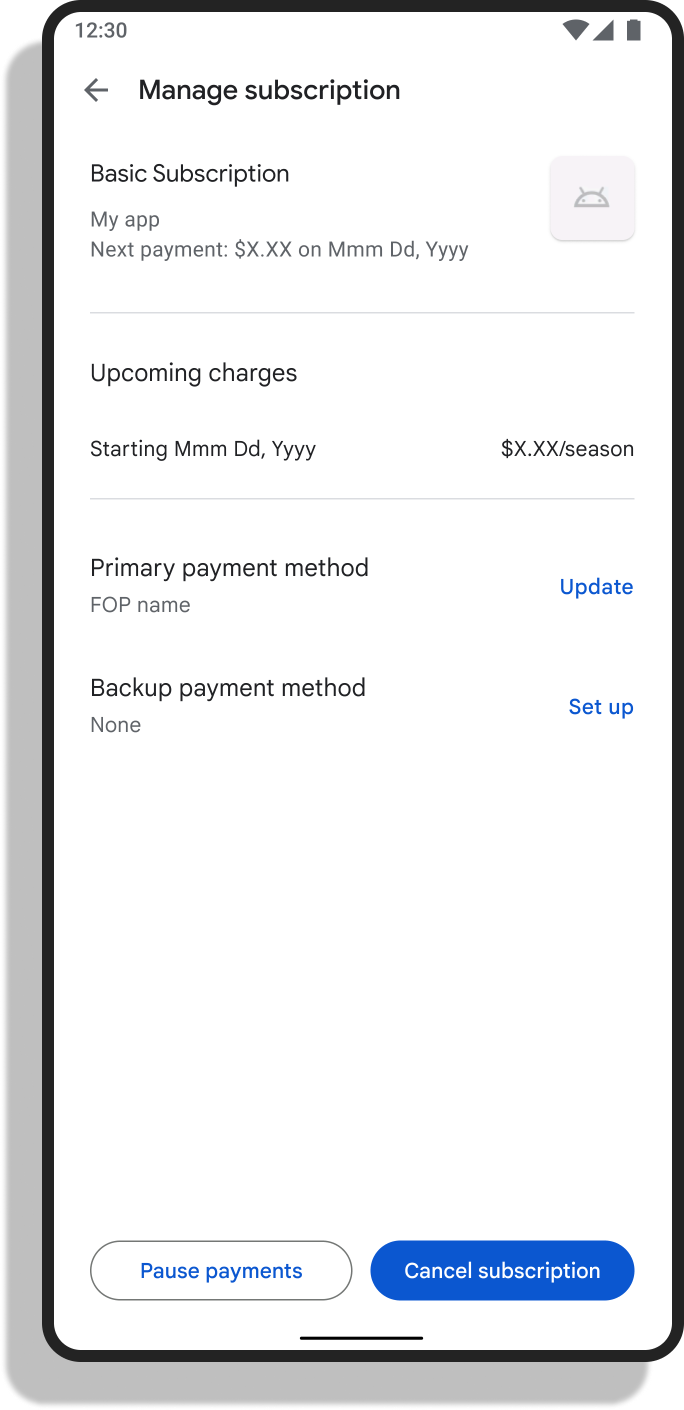


If you created your Teledipity Membership on the Apple or GooglePlay appstores, here are instructions on how to cancel it:
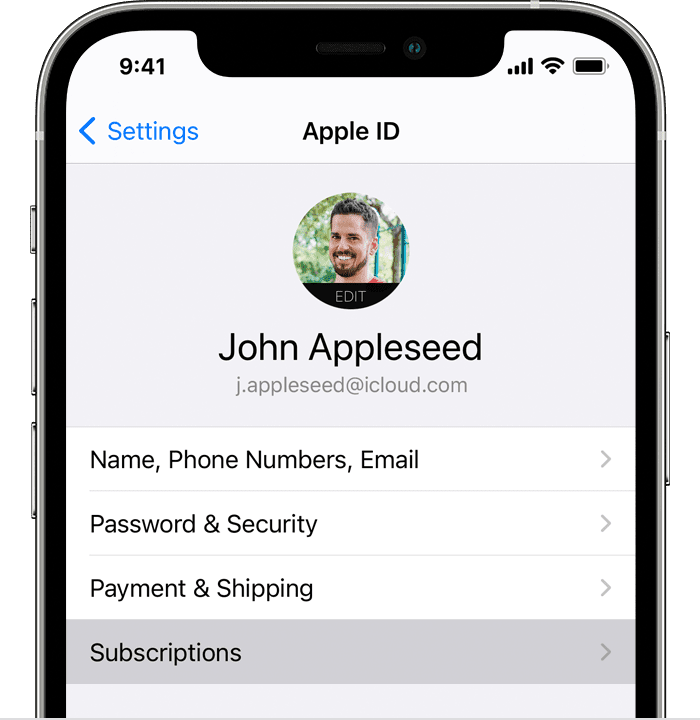
If you have an iPhone:
- Open the Settings app.
- Tap your name.
- Tap Subscriptions.
- Tap Teledipity
- Tap Cancel Subscription. If you don’t see Cancel, the subscription is already canceled and won't renew.
If you have Android:
- On your Android device, go to subscriptions in Google Play.
- Select the Teledipity subscription.
- Tap Cancel subscription.
- Follow the instructions.